Quadratic Formula on TI-84: 3 Ways to Solve
Solve quadratics on the TI-84 three ways: type the quadratic formula by hand, graph and find the zeros, or run a simple solver program. Exact keys included.
Solve quadratics on the TI-84 three ways: type the quadratic formula by hand, graph and find the zeros, or run a simple solver program. Exact keys included.
Update your TI-84 Plus CE OS safely: check your current version, download the latest from TI, and install via TI Connect CE — with backup tips included.
TI Connect CE is free official software to connect your TI-84 to a computer via USB. Transfer files, update the OS, back up data, and capture screens.
TI-84 ERR:WINDOW RANGE when graphing? Your window settings are impossible — like Xmin bigger than Xmax. Here’s the 10-second fix.
TI-84 giving wrong trig answers? It’s almost always radian vs degree mode. Learn to check, switch modes, and use the degree symbol — step by step.
TI-84 ERR:BAD TOKEN? Learn what causes it — recalled variables, incompatible transfers, corrupted entries — and the exact step-by-step fixes.
TI-84 ERR:DATA TYPE error? You fed a function the wrong kind of data — a string where it wanted a number. Here are 3 causes and fixes.
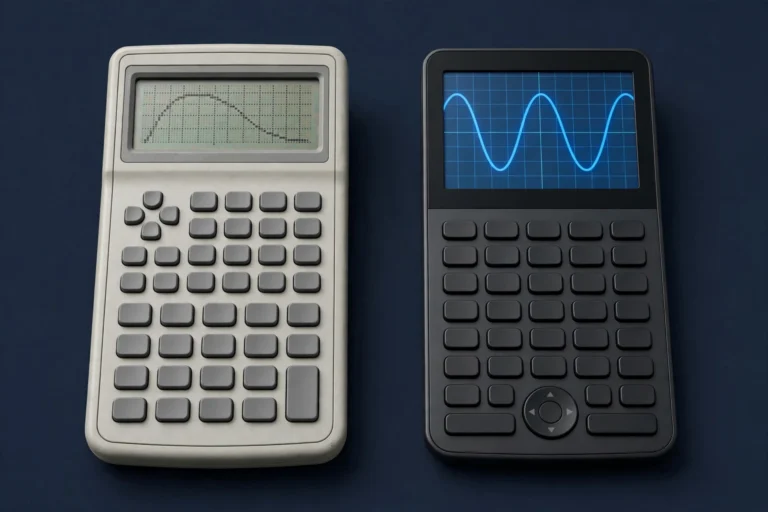
Quick answer: Buy the TI-84 Plus CE if you are purchasing new — it is faster, has a colour screen, a rechargeable battery and full exam approval everywhere the TI-83 is allowed. The TI-83 Plus only makes sense used and cheap: it still handles algebra and basic graphing, but it is slower, monochrome, discontinued, and…
TI-84 ERR:DIM MISMATCH when working with lists or matrices? Your dimensions don’t line up. Here are 3 causes and the exact fixes.
How to clear memory on a TI-84 Plus CE: check RAM and Archive space, delete variables and programs, clear entries, and archive data — step by step.